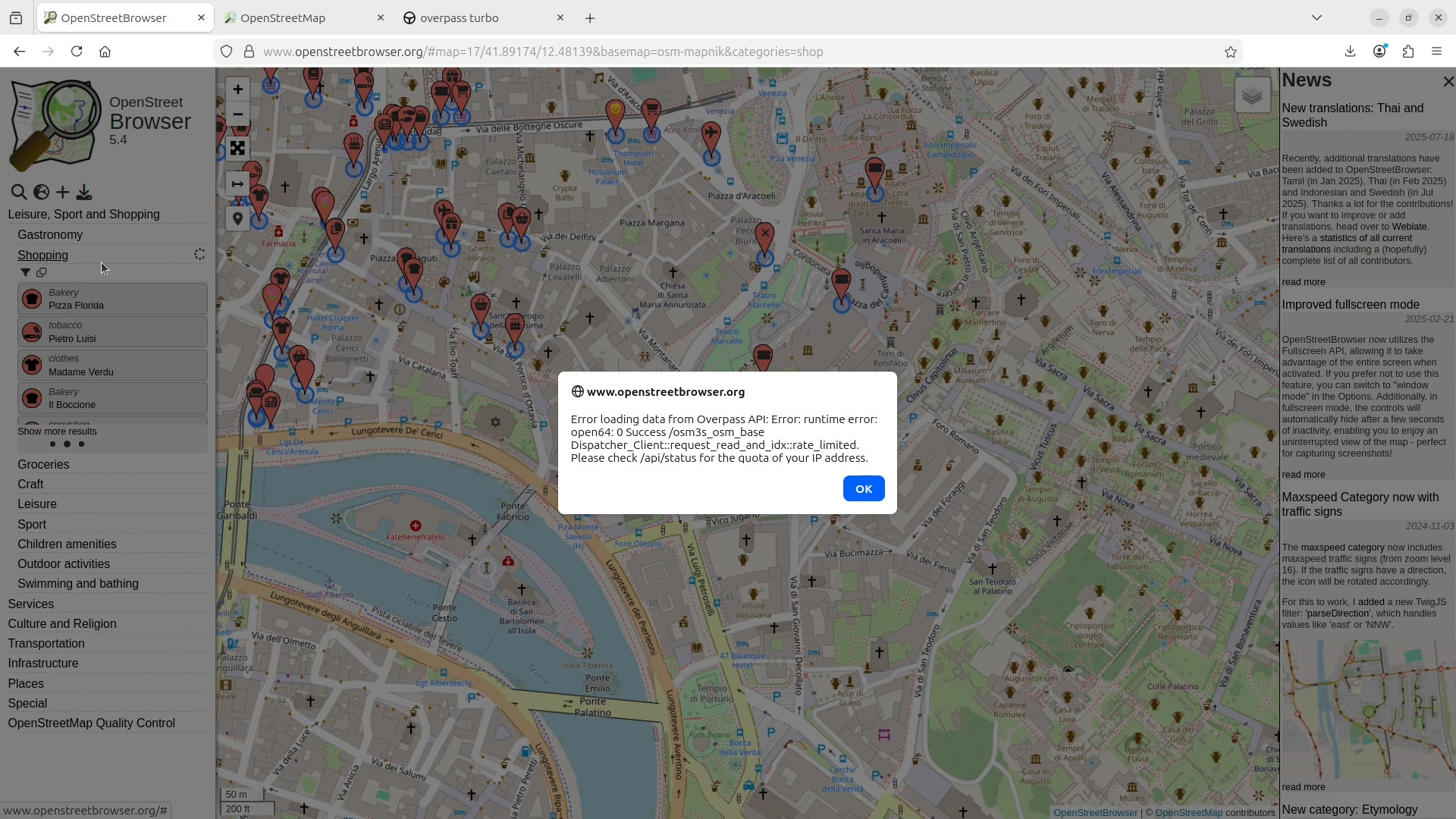
Workaround for "Rate limited" errors. Upload an OSM file via Config -> OverpassAPI URL -> Upload OSM file. In the next field "Upload OSM file" put a OSM file.
Possibilities for creating OSM files:
- Export on OpenStreetMap.org
- JOSM, save layer as -> file.osm
- Overpass Turbo: Export -> OSM raw data (XML -> .osm, JSON -> .osm.json)
- Geofabrik: Download, cut with osmosis