New feature: Markers

Submitted by plepe on

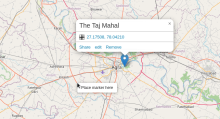
OpenStreetBrowser has a new feature: Using the context menu on the map (either right-click or long-tap) you can place markers. You can share them individually (from the popup) or in the full context (via Permalink) as they are added to the URL. You may even add a message to the popup.
Quality Control - Culture category now checks subject, artist, ...

Submitted by plepe on

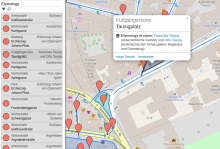
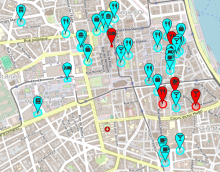
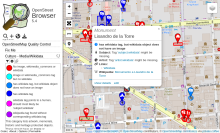
The "Culture - Media/Wikidata" category in the "OpenStreetMap Quality Control" section now checks for references for subject, artist, architect and name etymology (when appropriate).

For my personal blog, I wrote an article some time ago, where I explained how to map memorials and artwork with references to wikidata and wikimedia commons.

Improved fullscreen mode

Submitted by plepe on

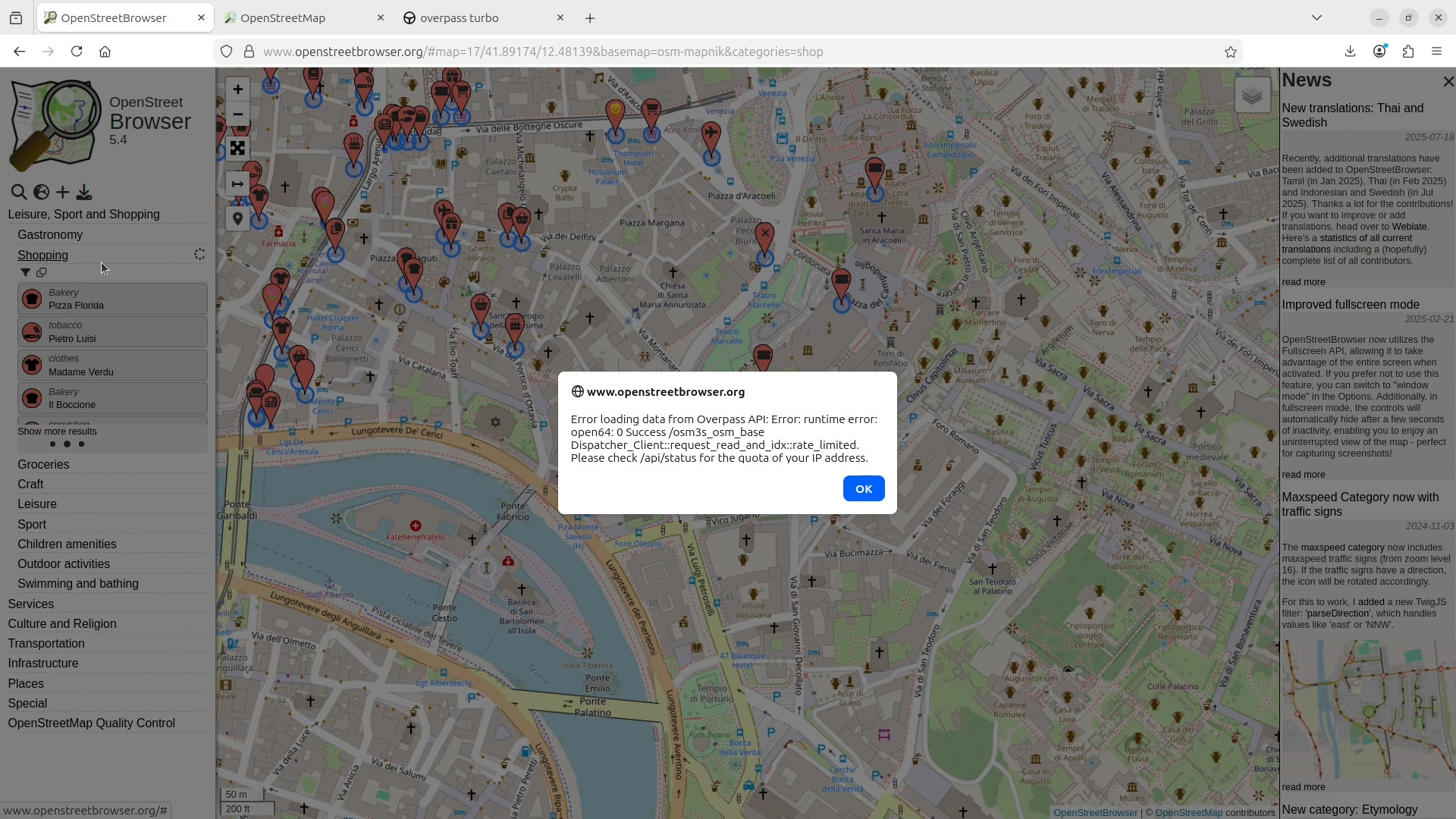
OpenStreetBrowser now utilizes the Fullscreen API, allowing it to take advantage of the entire screen when activated. If you prefer not to use this feature, you can switch to "window mode" in the Options. Additionally, in fullscreen mode, the controls will automatically hide after a few seconds of inactivity, enabling you to enjoy an uninterrupted view of the map - perfect for capturing screenshots!

Boundaries and Driving Side (v5.4)

Submitted by plepe on

There are some new functions for category developers:

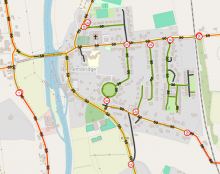
  • A Twig function 'boundaries(lat, lon)' which returns a list of boundaries the coordinate lies within (Countries).
  • A property of the map object called boundaries which holds the list of boundaries at the map center.
  • A property of the map object called driving_side which is either "left" or "right" with regards to the map center.